Dear Valued Clients,
Thank you for your on-going support in the application of Synergix Enterprise Resource Planning system (ERP system). We always honorably embrace the opportunity to continually enhance user-friendliness as well as improve usability for better customers’ experience.
In this June’s update newsletter, we are glad to bring your kind notice on our newest features to which we commit for your innovation, your improvement and benefits.
Project & Contract
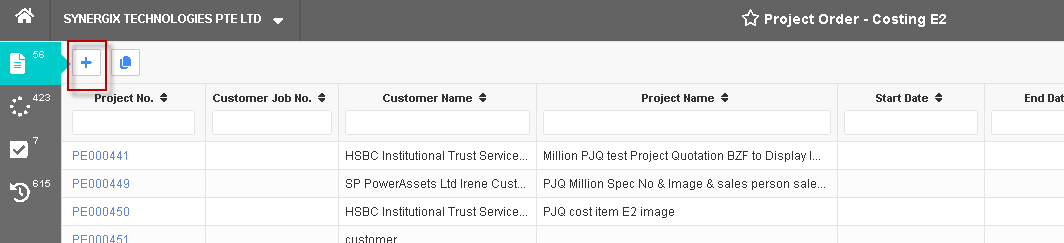
1. Enable Direct Estimation to E2 Project Order Screens (FC: TH6_PJ_PROJECT_ORDER_E2, TH6_PJ_PROJECT_ORDER_BQ_NO_COST_ITEM_E2)
Now, in E2 Project Order screens, Enable Direct Estimation is a new module configuration used in Project Estimation to set up whether users can create the Project No directly without having to flow down from Project Quotation.
- If the option is Yes, ERP system will allow users to create the Project No directly. Users can click “+” button to create new Project Order
- If the option is No, ERP system will not allow users to create the Project No directly and have to create Project Quotation first. In this case, the button “+” is hidden, users can only generate new Project Order from confirming Project Quotation.

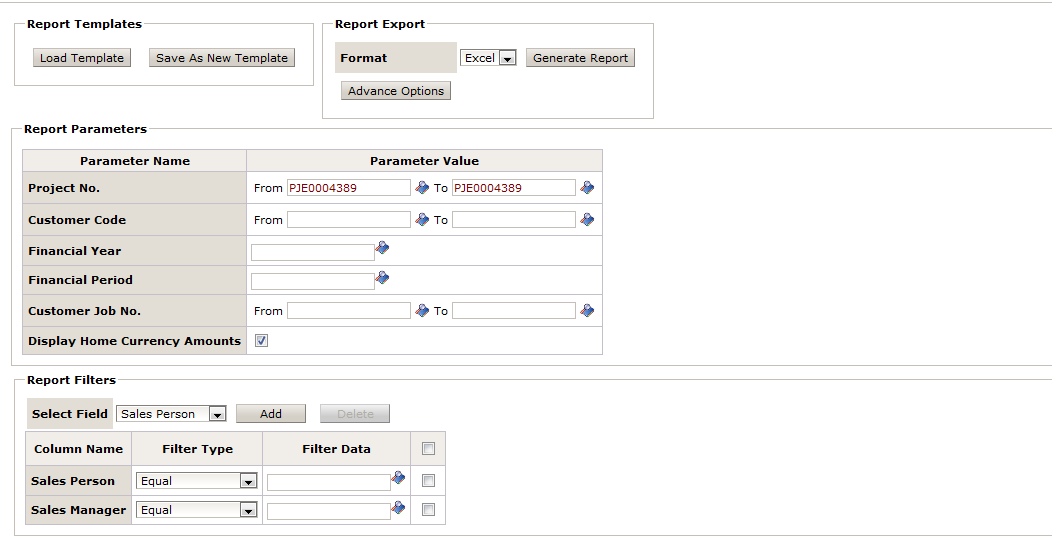
2. Display “Balance to Certify” Amount (nature and home currency) in Customer Project Claim Detail Report (FC: TH5R_PJ_400221)
In Synergix ERP system, the Customer Project Claim Detail Report is used to view all customer project claim vouchers of each project with detail claim amount, certified amount, billed amount. Now, in this report, Original Project Value, Variation Order Amount, and Adjusted Project Amount are enhanced and displayed based on each claim voucher level record, instead of the entire project level as previously. There are also new added columns including Balance to Certified, Balance to Certified, Project Start Date, Project End Date, Currency Code. Furthermore, the new report will allow to flexibly define whether the amount columns are displayed in home or/and nature currency.
3. Dashboard Widget – Project Due For Claim (FC: TH6_PJ_PROJECT_DUE_FOR_CLAIM)
The objective of the Project Due For Claim widget is to provide Synergix ERP system users a one-glance view in dashboard for projects in which claim vouchers have not been created in the selected period. The widget benefits users by providing information on the project claims which have not been created, so that they can create claim vouchers to bill their customers or main contractors.
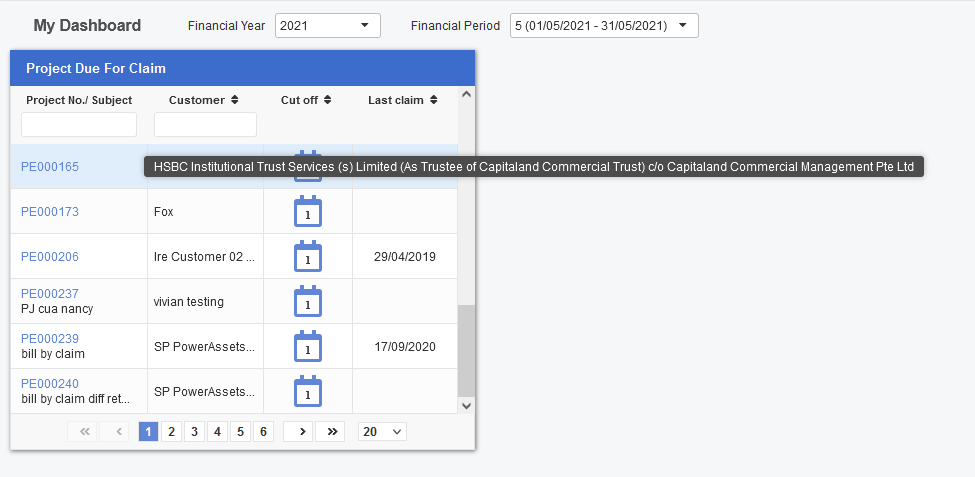
The widget displays all the Project Order vouchers that fulfill below conditions:
- Project does not have final claim yet.
- Project that is still outstanding or under variation, which means that the project is not completed.
- Project that does not have any project claim voucher falls within the selected calendar year and month since the project order has not generated any claim voucher in the selected period.
Kindly note that the calendar year and month corresponds to selected Financial Year or Period from Dashboard Filter.

To set up the widget, Synergix ERP Software can access to Master Setup > Administration > Security > Role Master > Dashpane Permission > Project Due For Claim.

4. Validation on Negative Work Done with Advance Payment at E1/E2 Project Claim Screen (FC: TH6_PJ_PROJECT_CLAIM, TH6_PJ_PROJECT_CLAIM_E2)
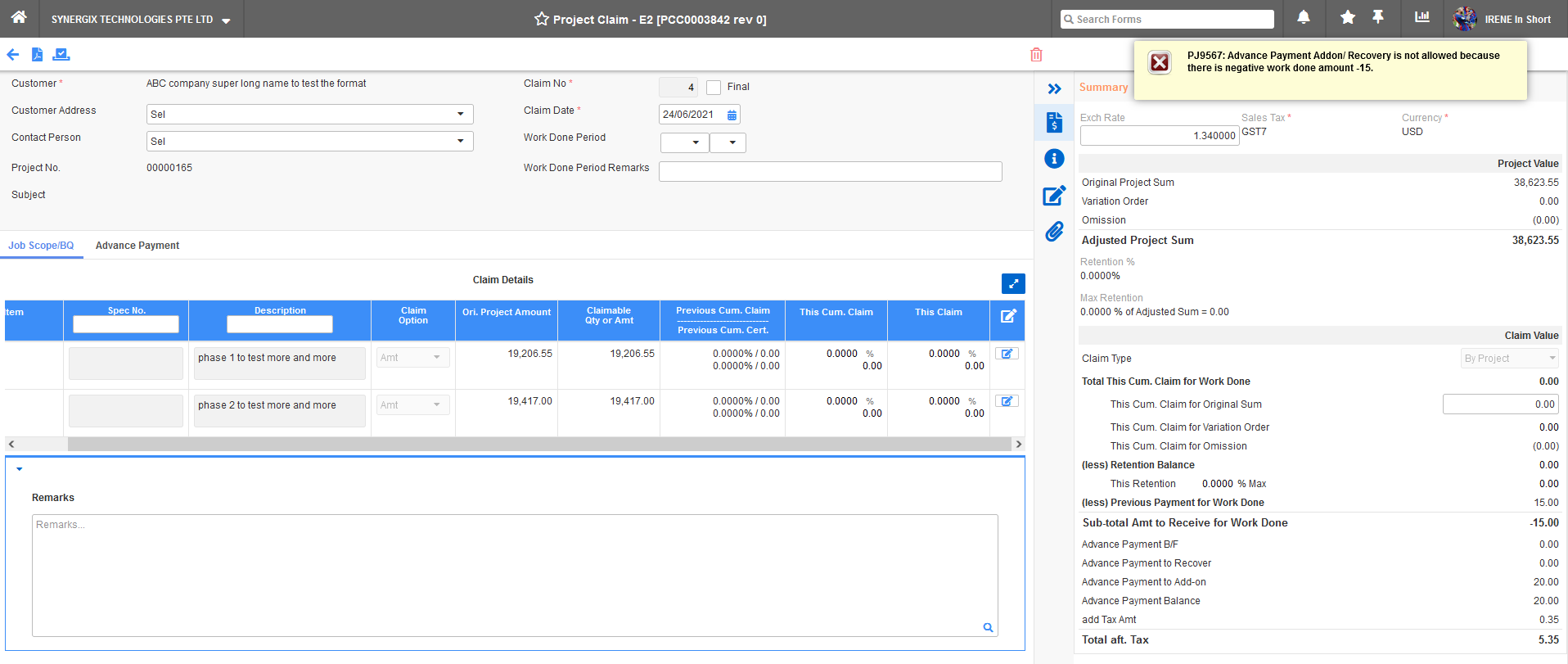
In the E1/E2 Project Claim screen, a new validation is added: Upon submission of claim voucher, ERP system will not allow users to add Advance Payment Addon/Recovery if the work done amount is less than 0. Else, system will prompt an error message “Advance Payment Addon/Recovery is not allowed because there is negative work done amount”.
SCM & MFG
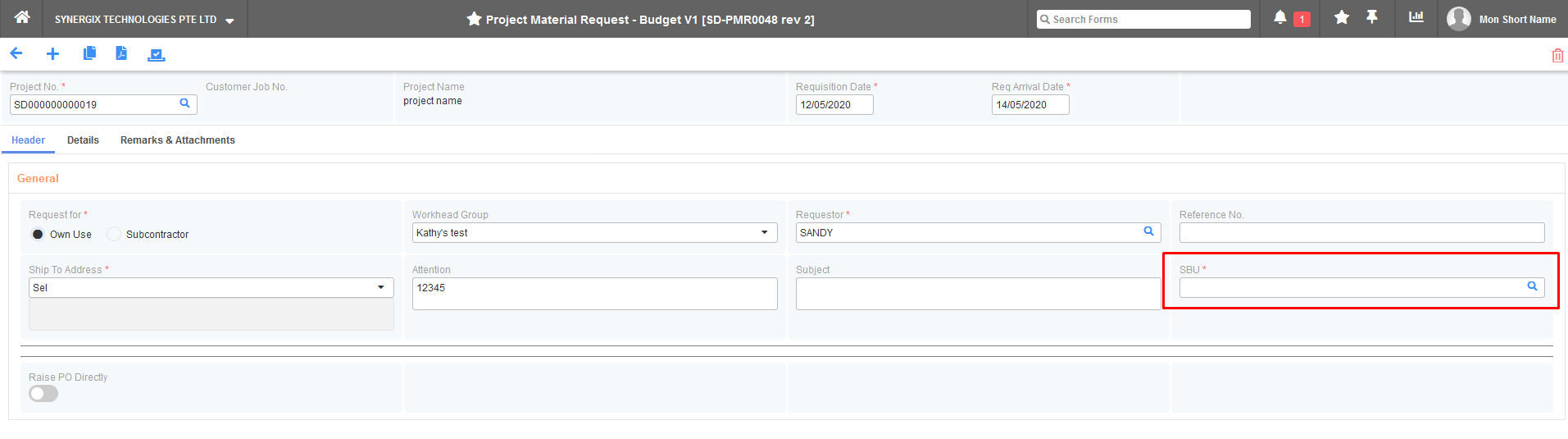
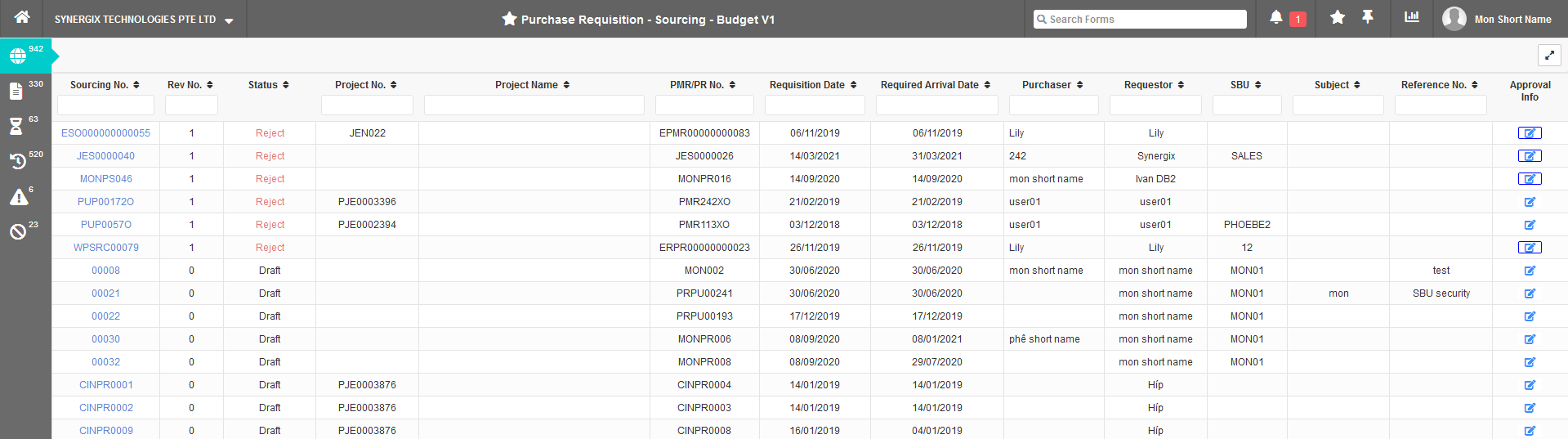
1. SBU Security Control in Project Purchase Flow (FC: TH6_PU_PROJECT_MATERIAL_REQUEST_BY_BGT_SCH_V1, TH6_PU_SOURCING_BY_BGT_SCH_V1, TH6_PU_ORDER_BY_BGT_SCH_V1)
The SBU Security Control in Project Purchase Flow feature functions to restrict users from viewing vouchers by working with supervisor security in role master. There would be 3 conditions that users need to notice:
- If users’ accounts do not include supervisor and cannot be tagged in SBU, vouchers which have SBU will not be displayed.
- If users’ accounts do not include supervisor and are tagged in SBU, users can only view vouchers that they created.
- If users’ accounts include supervisor and are tagged in SBU, users can view all vouchers created by themselves and other users.
When users turn this feature on, there will be field SBU on the Header tab.